
Concrete Estimate Template
An interactive concrete estimate and quote template. Fill in your project details and line items on the left; a customer-ready document builds itself on the right. For completed-work billing, use the concrete invoice template with due dates, tax and payments received.
Contractor & Customer
Scope of work
Line items
Notes
Sample estimate — every field is editable. Replace it with your own project.
80 ft x 18 ft, 4in thick, broom finish, includes forms and reinforcement.
Estimate valid for 30 days. 50% deposit to schedule, balance due on completion.
- No sign-up required
- Free calculators, no purchase needed
- One-time payment for Pro, no subscription
- Your data stays on your device
What makes a concrete estimate hold up
A clear, complete estimate protects you from scope disputes as much as it helps the customer say yes. A few things worth getting right before you hit print.
Specific scope, not vague scope
"80 ft × 18 ft driveway, 4in thick, broom finish" leaves far less room for dispute later than "driveway replacement." Specificity protects you as much as it informs the customer.
Line-item clarity
Breaking out materials, labor and equipment (even at a summary level) builds more trust than a single lump-sum number. Customers are less likely to push back on a total they can see the shape of.
Explicit exclusions
State what's not included, such as permits, excess spoil removal or landscaping repair, in writing before the job starts. This is the single easiest way to avoid a scope argument mid-project.
A validity period
Material prices move. An estimate that's good for 30 days protects you from a customer accepting three months later at a price that no longer covers your costs.
Consistent numbering
A simple estimate number (EST-1001, EST-1002...) makes it trivial to track which quote turned into which job, especially once you're running more than a handful at a time.
Frequently asked questions
Is this an estimate template or a quote template?
Use this builder to describe proposed work, line-item charges and the customer total before approval. For completed-work billing with invoice numbers, due dates, tax and deposits, use the separate Concrete Invoice Template linked below.
Can I print or save this as a PDF?
Yes. The Print / Save as PDF button opens your browser's print dialog with a clean, customer-ready layout. Choose "Save as PDF" as the destination to download it.
Does this save my estimate?
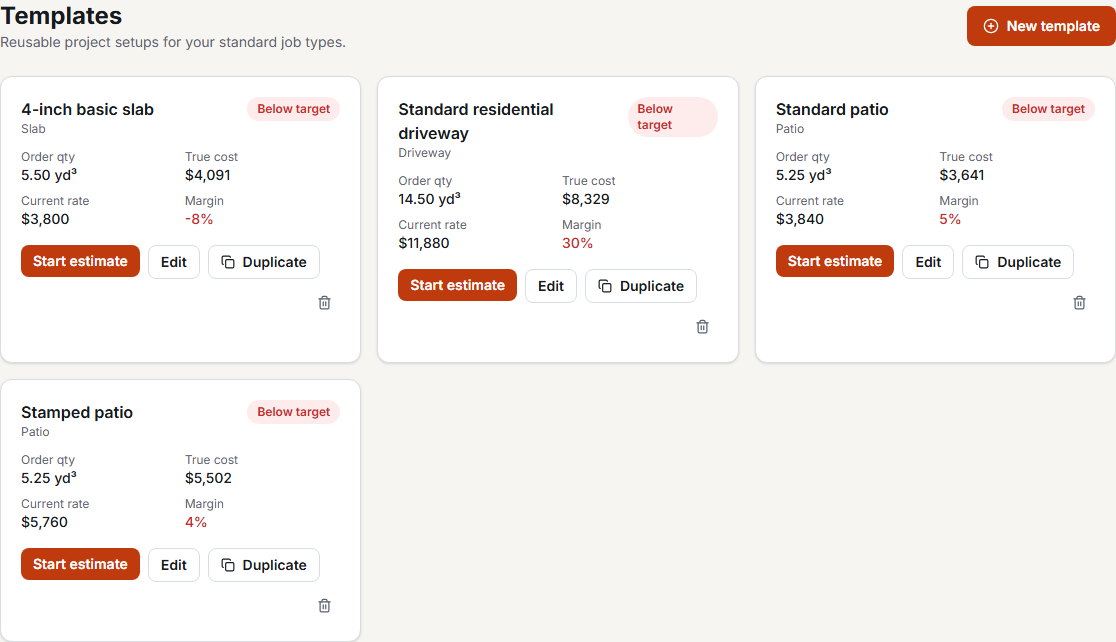
This free template doesn't save data between visits. Concrete Cost Pro autosaves one current estimate on this device and lets you start from that estimate or reusable templates. Export a PDF or CSV before replacing the current estimate; the app does not keep an archive of past jobs.
Can I use this for other trades?
It's built for concrete flatwork, but the line-item format works for any straightforward estimate. Add or remove lines as needed.
What's the difference between Customer view and Internal view?
Customer view is what prints: scope, selling charges and the total. Internal view treats the entered amounts as a hypothetical direct-cost scenario to calculate overhead and required price. Actual job costs can differ from customer charges; check those separately in the Job Cost Calculator. The internal panel is never printed.
For contractors running the business
Stop re-entering the same business costs for every quote
Concrete Cost Pro creates this same customer document automatically from your project dimensions and saved materials, labor and equipment rates. It autosaves one current estimate; export it before starting the next job.
- Saved materials, labor and equipment rates
- Rate Health audit and required-price solver
- Estimate vs. actual, so you know if a job type is chronically underpriced
- Branded PDFs, CSV export, JSON backup
Move from purchase planning to completed-work billing
Bill completed work with taxable lines, payments received and balance due.
Turn specified takeoff quantities into purchases rounded to stock increments.
Price one supplier order with delivery, short-load fees, pumping and tax.